Skip to content
← All work
Case study · ASU Learning Engineering Institute

LIVE

Short learning videos, guided by conversation.

Faculty—and students—open a folder in an AI assistant, say "make me a video about the water cycle", and get a styled, captioned video. Choose a starter or any subject, including physics and mathematics. No editing software needed.

My role Product Designer · one of three designers · I wrote the instructions and the reusable written guides (skills) the AI follows
  • 8 steps, topic to video
  • 8 AI test users
  • 2 AI Day showcases
Try LIVE Team's public version · my work was the instructions and skills
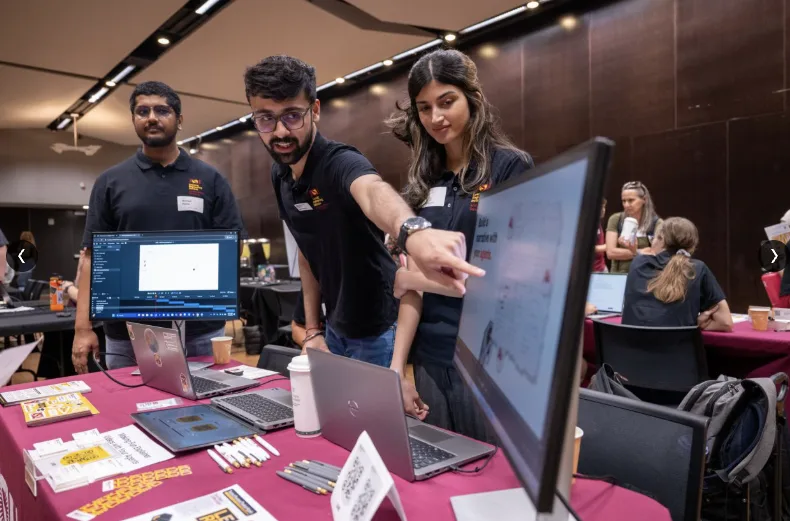
Gaurav at ASU AI Day, pointing at a monitor while explaining how LIVE builds a video, with Nishad Patne and a teammate beside him at the LEI table.
ASU AI Day · explaining how LIVE builds a videoPhoto: Technology at Arizona State University (ASU Enterprise Technology), AI Day 2026

In 30 seconds

The problem

Direct prompts gave vague, off-brand videos and took many prompts to fix. A one-line request misses the learner and the goal.

What I did

Wrote the conversation and the standards the AI follows, then tested them with fresh agents acting as new users.

Where it stands

Shown at ASU AI Day on two campuses. Public-facing version 1.0 shipped to the team's repository on Sep 22, 2026.

01 · The problemResearch mode

"Make me a video" gave back something vague.

The project began when a stakeholder needed a short video explaining an LEI product for a conference, and later for the product website. Asking an AI assistant directly produced vague, off-brand videos; every correction took another prompt.

Nishad Patne, our senior designer, found Remotion, which builds video from code in the browser, with layers like Premiere or After Effects. Because the video is text, an AI can read it, change it, and rebuild it. But adding the product's colours alone still produced something only roughly right. He shared what he'd learned, and I took on the instructions and skills.

The insightThe AI could already build the video. What it lacked was the right questions and rules it would follow every time.

Three designers, three parts

  • Khanak JoshiCore video pipeline: building a video step by step, style, assets, errors, viewing the output
  • Gaurav Basantani · meInstructions and skills: the conversation, ASU style, captions, narration, setup, worked examples
  • Nishad PatneSenior designer who started LIVE with Remotion. Onboarding, infrastructure, the LIVE website, final integration
02 · The conversationStrategy mode

Eight steps, one question at a time.

The instructions make the AI lead: ask one thing, offer choices, accept "you decide", and get a yes before building anything.

  1. 1Topic
  2. 2Length
  3. 3Voice
  4. 4Pictures
  5. 5Style
  6. 6ScriptYour yes
  7. 7PlanYour yes
  8. 8Video

Recreated, not recorded.

What is an LLM?Paused
Step 1 of 8Topic

Topic

  1. Me

    Make me a video about what an LLM is.

  2. Assistant

    Happy to. Who is it for?

  3. Me

    Everyone, from kids to 65-year-olds.

Read the complete conversation
  1. Me: Make me a video about what an LLM is.
  2. Assistant: Happy to. Who is it for?
  3. Me: Everyone, from kids to 65-year-olds.
  4. Assistant: How long should it be? Not sure is fine. Options: 30 seconds, 1 minute, 2 minutes, You decide.
  5. Me: About 2 minutes.
  6. Assistant: Narration, or silent? With a voice, captions are always on. Options: Narration, Silent.
  7. Me: Narration.
  8. Assistant: Pictures: bring your own, I make them, or I write prompts for another tool? Options: You make them, I have mine, Give me prompts.
  9. Me: You make them.
  10. Assistant: Style: I decide, ASU, or you tell me? Options: ASU, You decide, My own.
  11. Me: ASU.
  12. Assistant: Here is the script, in plain words anyone can follow. Approve it, or tell me what to change. (Approval checkpoint.)
  13. Me: Looks good.
  14. Assistant: The plan: what an LLM is · for everyone · about 2 min · narrated, captions on · ASU style · my pictures. Build it? (Approval checkpoint.)
  15. Me: Yes.
  16. Assistant: Done: 1:55, 1920×1080, narration and captions.
  1. Me: Make me a video about what an LLM is.
  2. Assistant: Happy to. Who is it for?
  3. Me: Everyone, from kids to 65-year-olds.
  4. Assistant: How long should it be? Not sure is fine. Options: 30 seconds, 1 minute, 2 minutes, You decide.
  5. Me: About 2 minutes.
  6. Assistant: Narration, or silent? With a voice, captions are always on. Options: Narration, Silent.
  7. Me: Narration.
  8. Assistant: Pictures: bring your own, I make them, or I write prompts for another tool? Options: You make them, I have mine, Give me prompts.
  9. Me: You make them.
  10. Assistant: Style: I decide, ASU, or you tell me? Options: ASU, You decide, My own.
  11. Me: ASU.
  12. Assistant: Here is the script, in plain words anyone can follow. Approve it, or tell me what to change. (Approval checkpoint.)
  13. Me: Looks good.
  14. Assistant: The plan: what an LLM is · for everyone · about 2 min · narrated, captions on · ASU style · my pictures. Build it? (Approval checkpoint.)
  15. Me: Yes.
  16. Assistant: Done: 1:55, 1920×1080, narration and captions.
Recreated from my session (not a screenshot). On larger screens, watch the steps light up. The real film's frames are in chapter 05.

Rules the AI can't skip

  • Three learning-topic starting points: photosynthesis, colour theory, and supply and demand, in 30, 60, and 120-second versions—or any topic of your own.
  • Pictures three ways: bring your own, let the AI make them, or get prompts to paste into another tool.
  • Style: I decide, ASU, or you tell me. Contrast, captions, and readable type never move.
  • Quiet by default: the AI only narrates what it is doing if you ask it to.
03 · The standardsBuild mode

Skills the AI follows every time.

A skill is a short written guide the AI loads when it needs it. I wrote the ones that make every video on brand and accessible.

Style

ASU visual style

Maroon and gold, readable type, the real logo never redrawn, and a 4.5:1 contrast floor for text.

Captions

Captions as a real question

With narration they are required, so the AI says so and doesn't ask. Silent videos get short on-screen phrases instead.

Voice

Narration, and the key it needs

Text to speech, with step-by-step help getting an API key (the password-like code a voice service gives you), written for people who have never seen one.

Setup

Installs itself

The AI checks what is missing and installs it. People opened a chat window, not a terminal.

Measured, not assumedFour of the seven secondary ASU colours fail even the 3:1 minimum for shapes, so the skill uses them for fills, never for labels.
04 · TestingTest mode

Testing with users who don't exist yet.

Before anyone new touched it, fresh AI agents with no context played both the new user and the assistant, in clean copies of the project, and were told not to go easy on it.

8

Fresh AI agents acting as new users, in two rounds

17

Defects found by the first full build

12

Findings from the second build

35

of the team's 90 commits on the public version

See four problems the test users caughtContradictions, missing rules, and what changed
  1. Found: "Short" meant 30 seconds in one step and 60 in another.Fixed: One definition, used everywhere.
  2. Found: Nothing handled shape: "a silent video for socials" had no answer.Fixed: Say the fixed shape up front, before anyone is invested.
  3. Found: The API-key question and the pictures question arrived in one message.Fixed: One question per message, always.
  4. Found: A recap played 27 seconds into a two-minute video.Fixed: A checker now confirms the recap comes last.

I also made test videos in Claude Code, Codex, and Cowork, with and without supplied pictures: Newton's laws of motion, herbivores and carnivores, the water cycle, from city to settlement, and what an LLM is.

One mistake of mineTwo first-round fixes were reported done but never saved. The AI test users found one again. Since then, every fix is verified on its own.

05 · Film evidence

What it makes, and how I steer it.

Two real outputs you can watch in a few seconds, and one real session where I directed the AI.
Watch two outputs

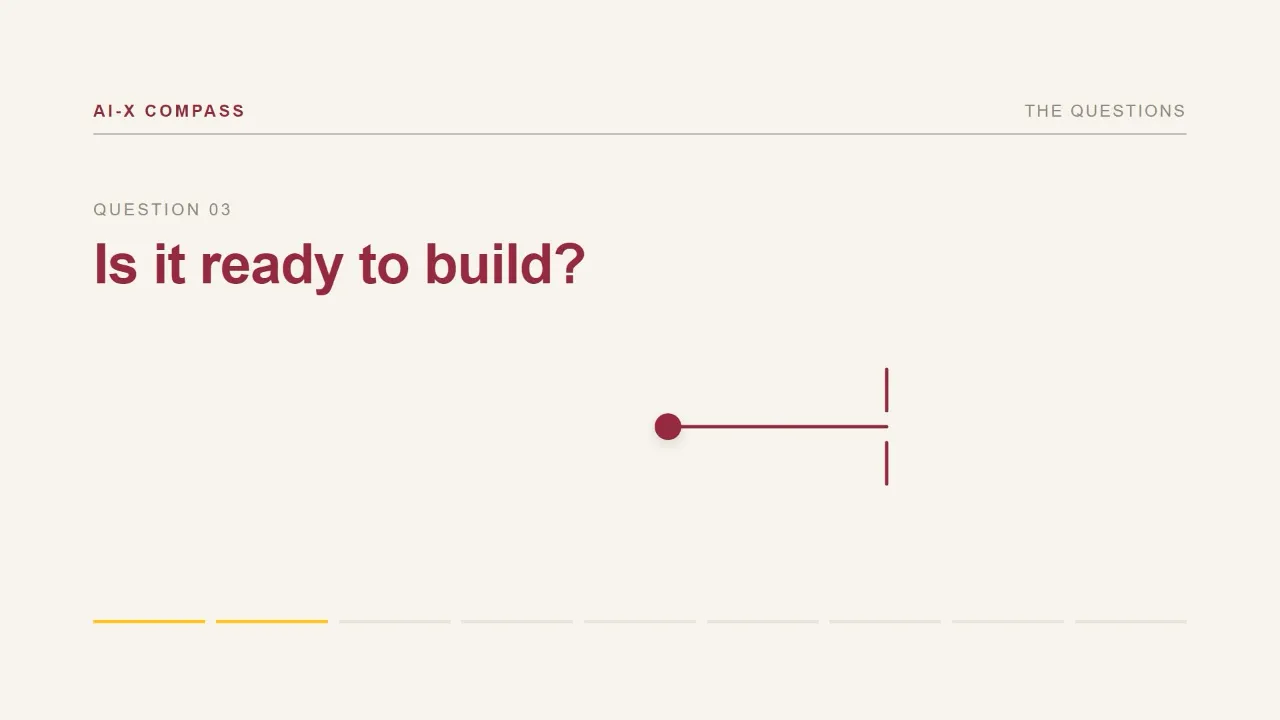
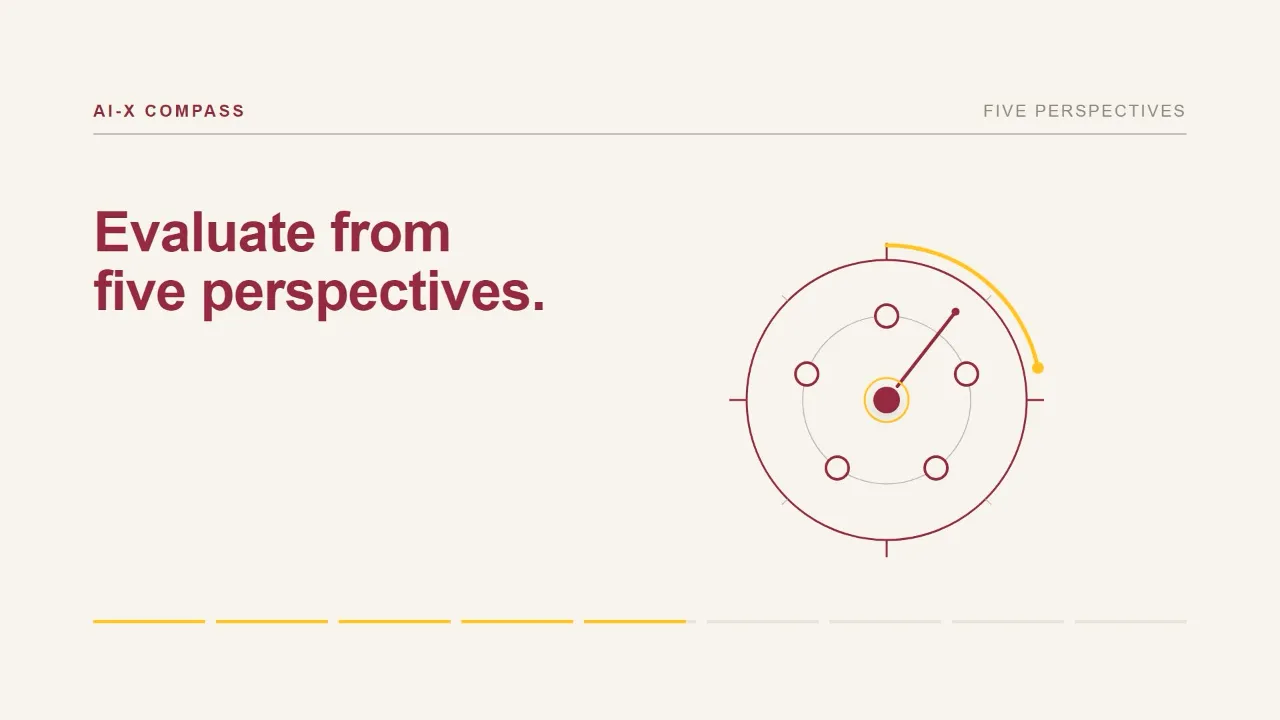
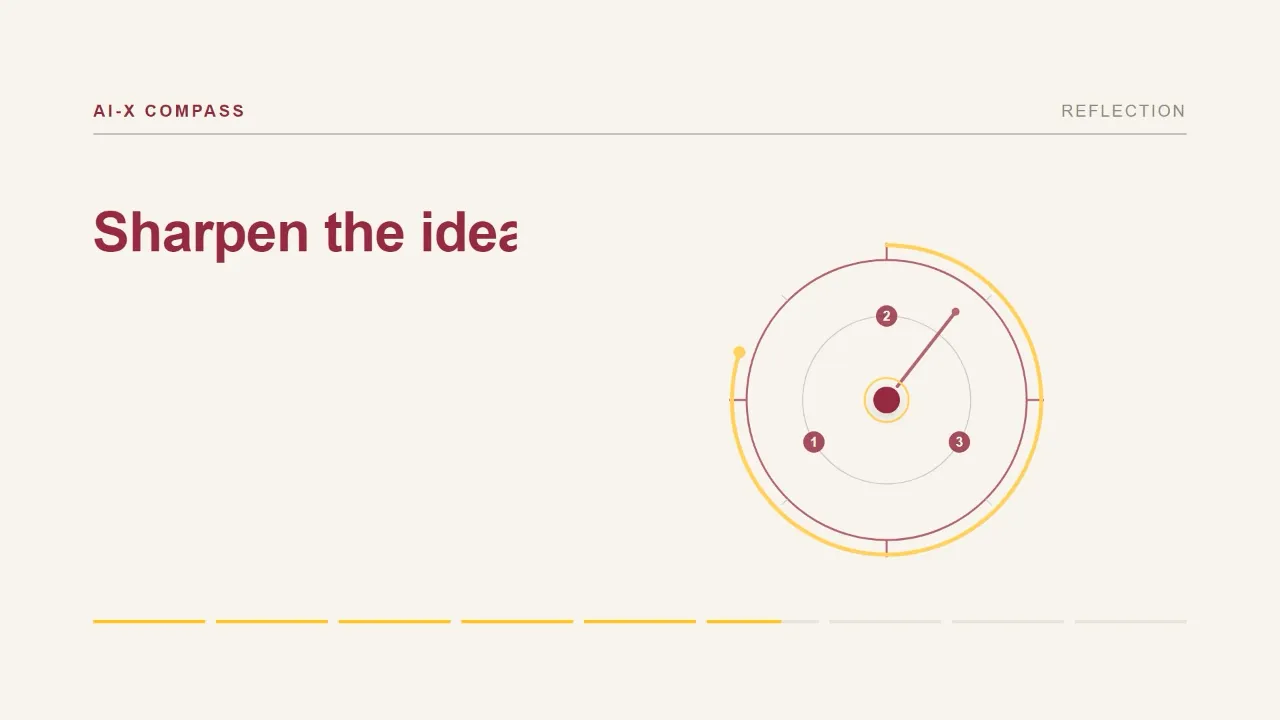
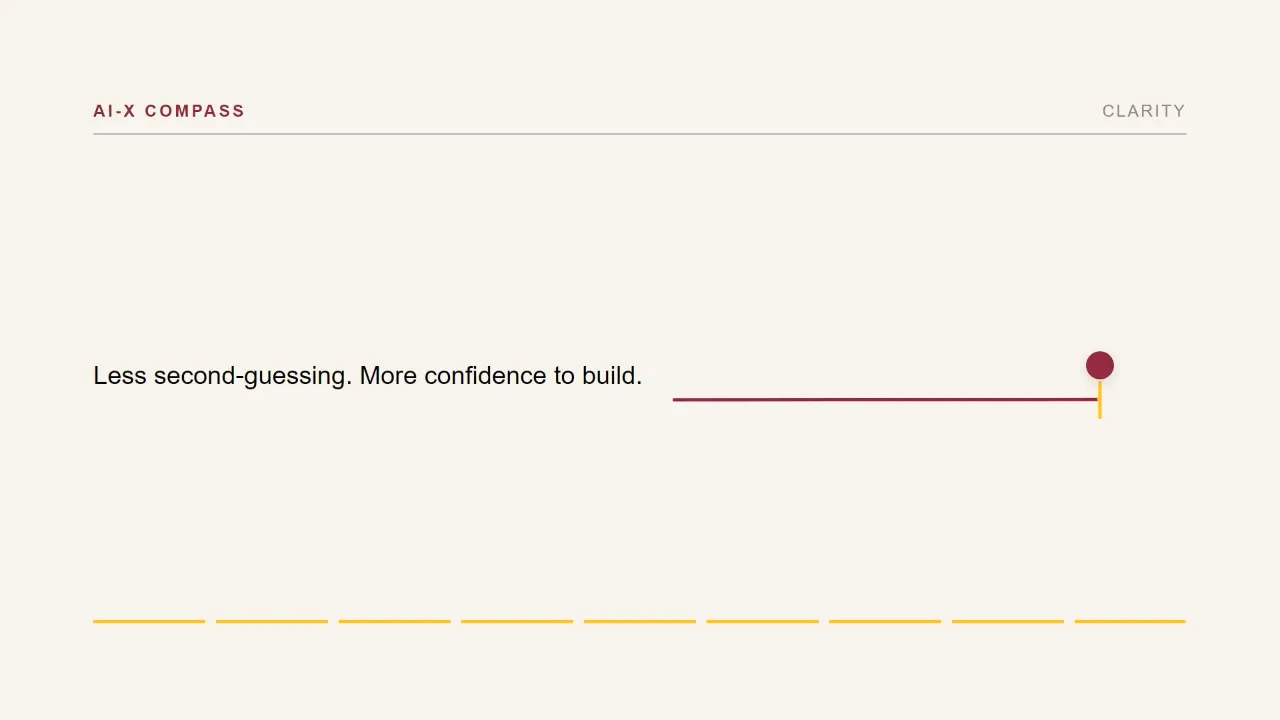
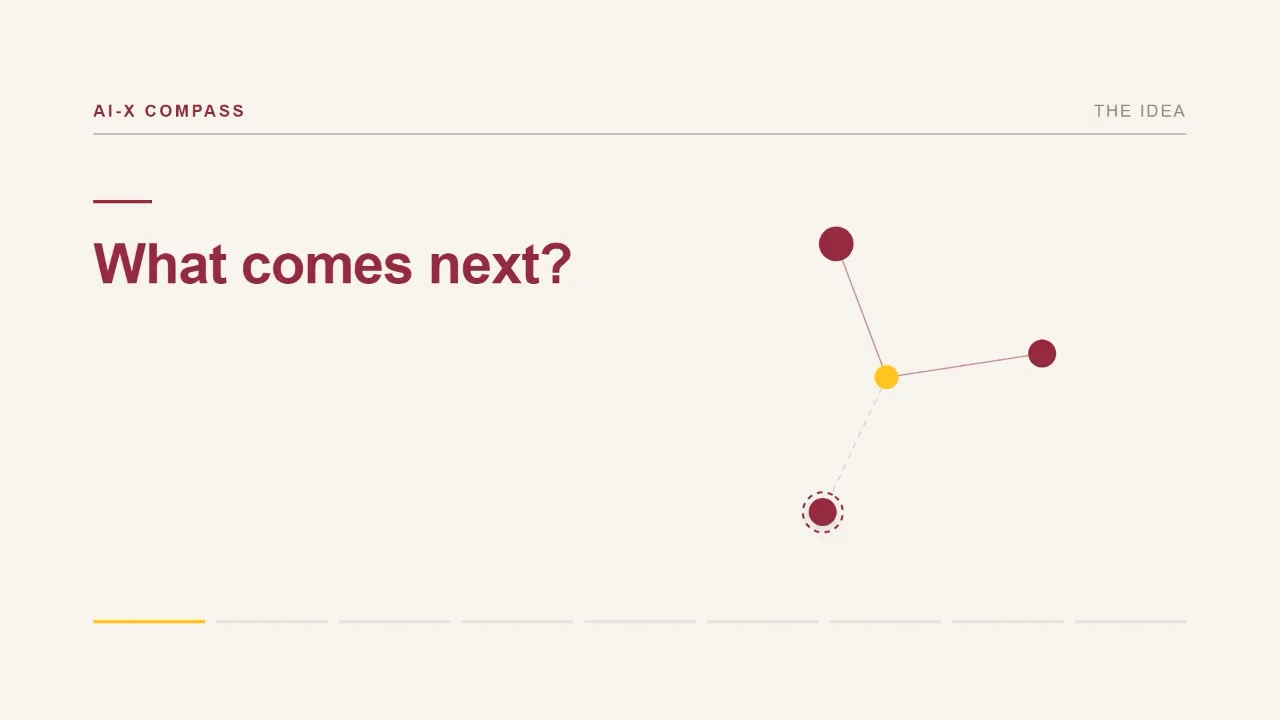
Five frames from AI-X Compass, a silent explainer built entirely from code: maroon and gold shapes form a compass that asks whether an AI idea is ready to build, evaluates it from five perspectives, and ends with more confidence to build.
AI-X CompassReal frames · 90 s film, silent, $0, no picture files

You have an idea. What comes next?

  1. You have an idea. What comes next?
  2. "Is it ready to build?" One question per beat.
  3. A compass evaluates it from five perspectives.
  4. Reflection sharpens the idea.
  5. Ends on clarity: less second-guessing, more confidence to build.
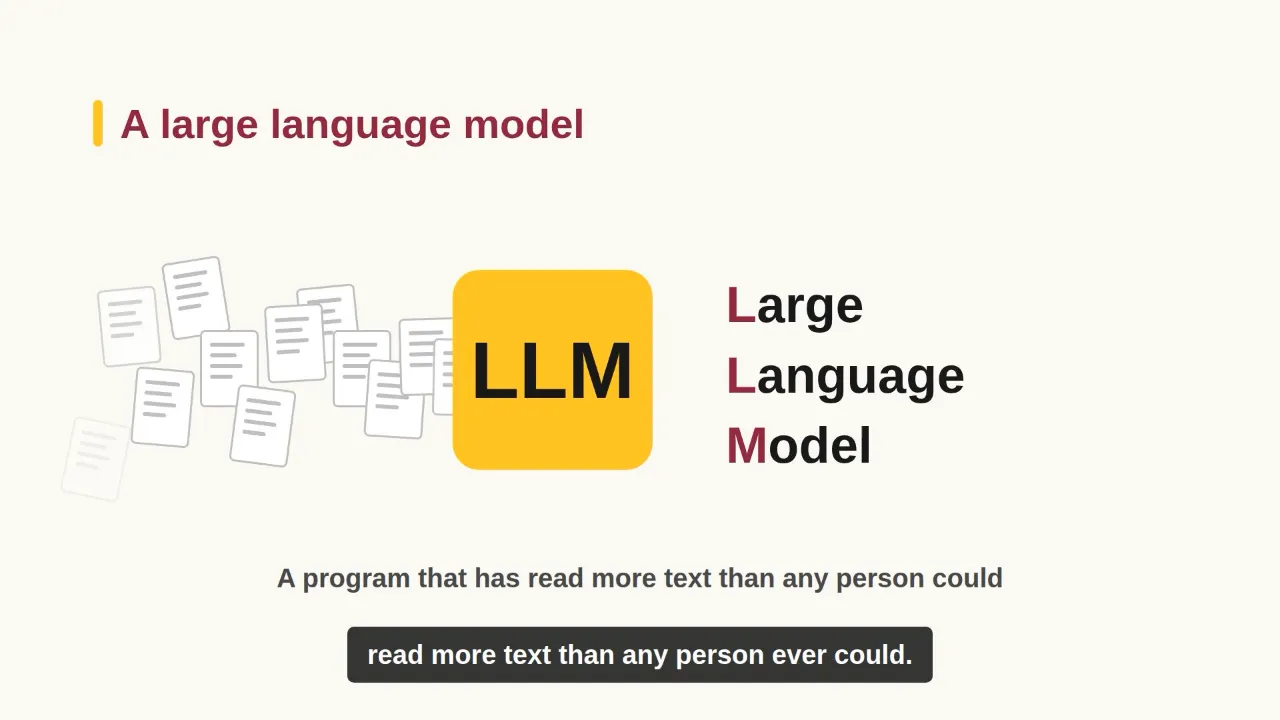
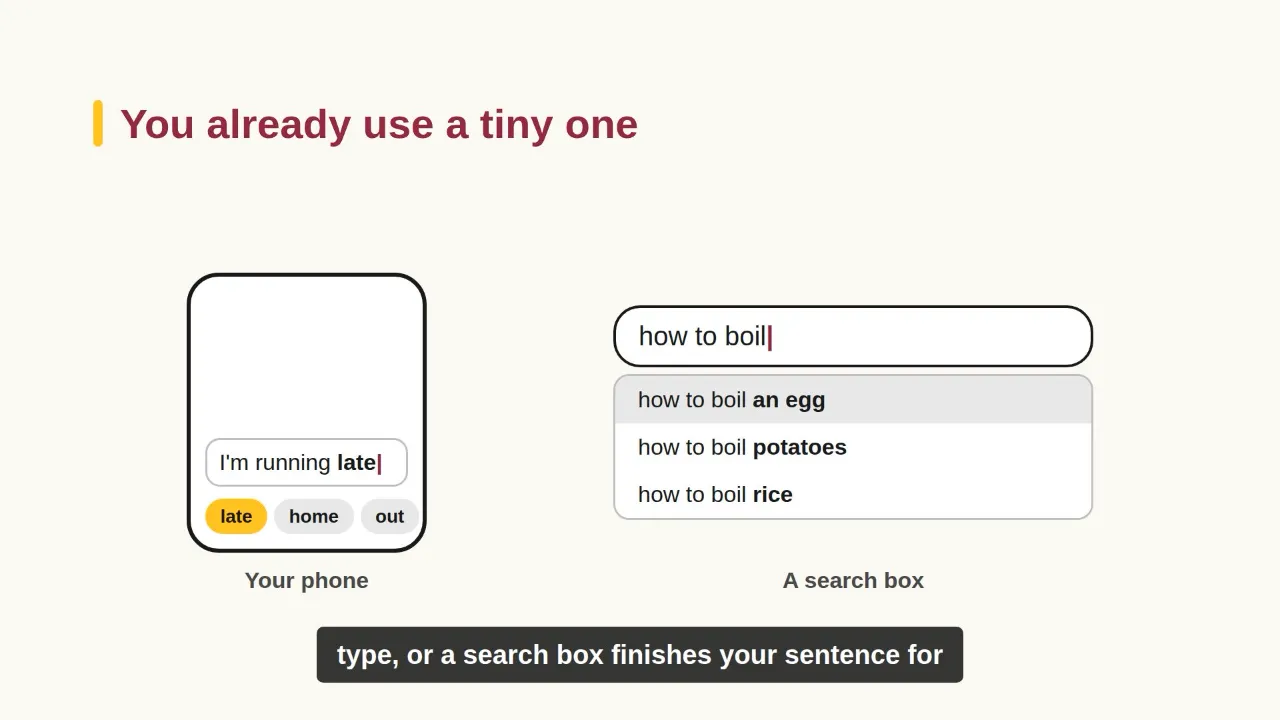
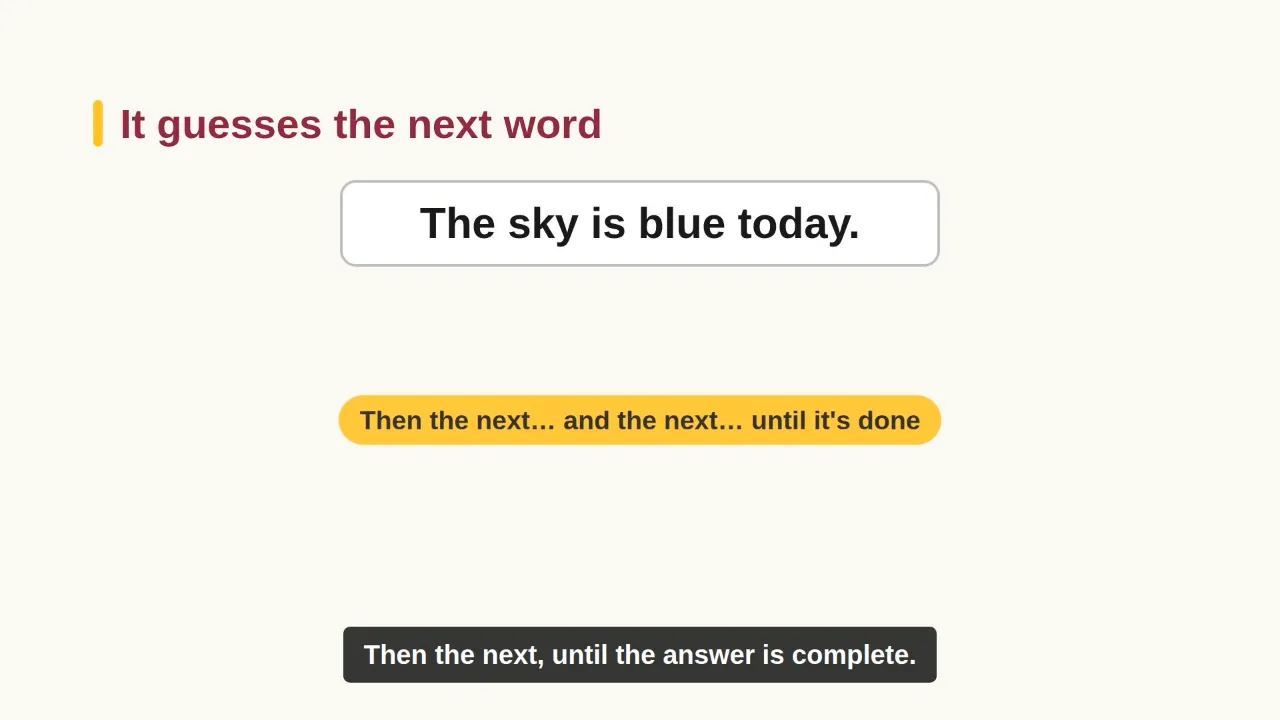
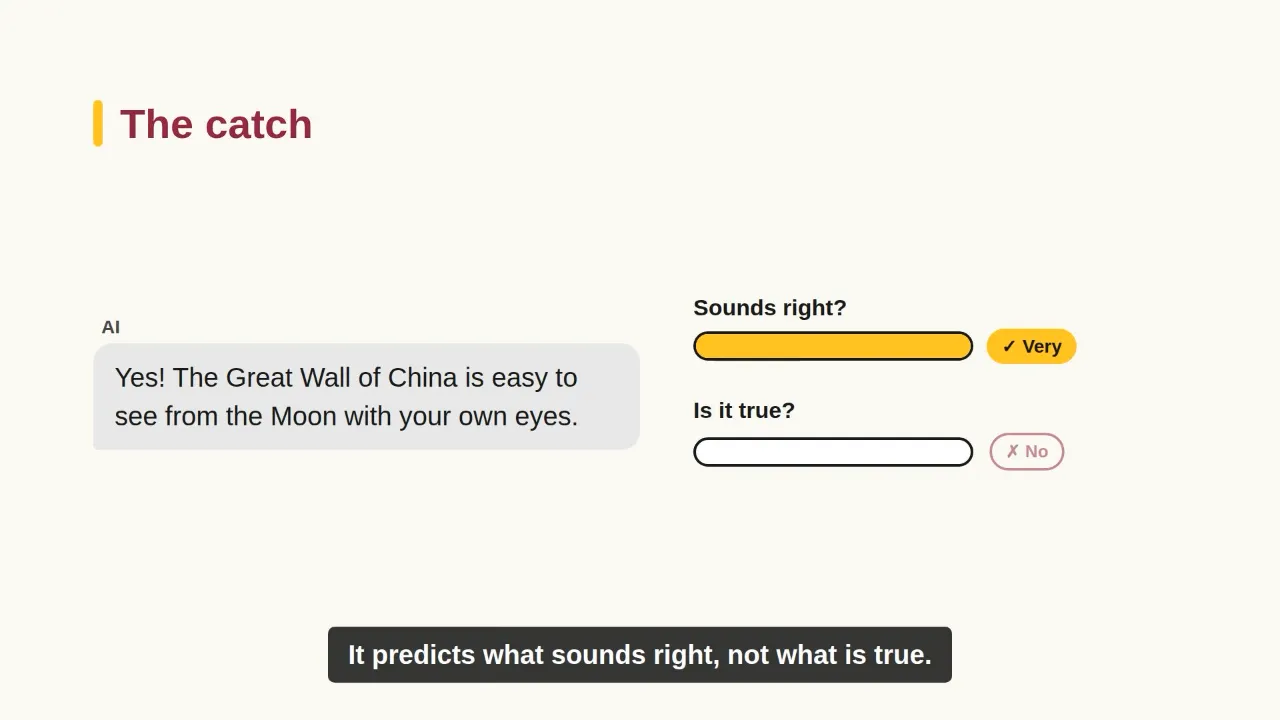
Five frames from a captioned explainer made with LIVE: what a large language model is, that phones and search boxes use tiny ones, that it guesses the next word, that it can sound right without being true, and how to use it well.
What is an LLM?Real frames · made in one of my test runs, narrated with captions

A large language model: a program that has read more text than any person could.

  1. A large language model: a program that has read more text than any person could.
  2. You already use a tiny one: your phone and search box finish your sentences.
  3. It guesses the next word, then the next, until the answer is done.
  4. The catch: it predicts what sounds right, not what is true.
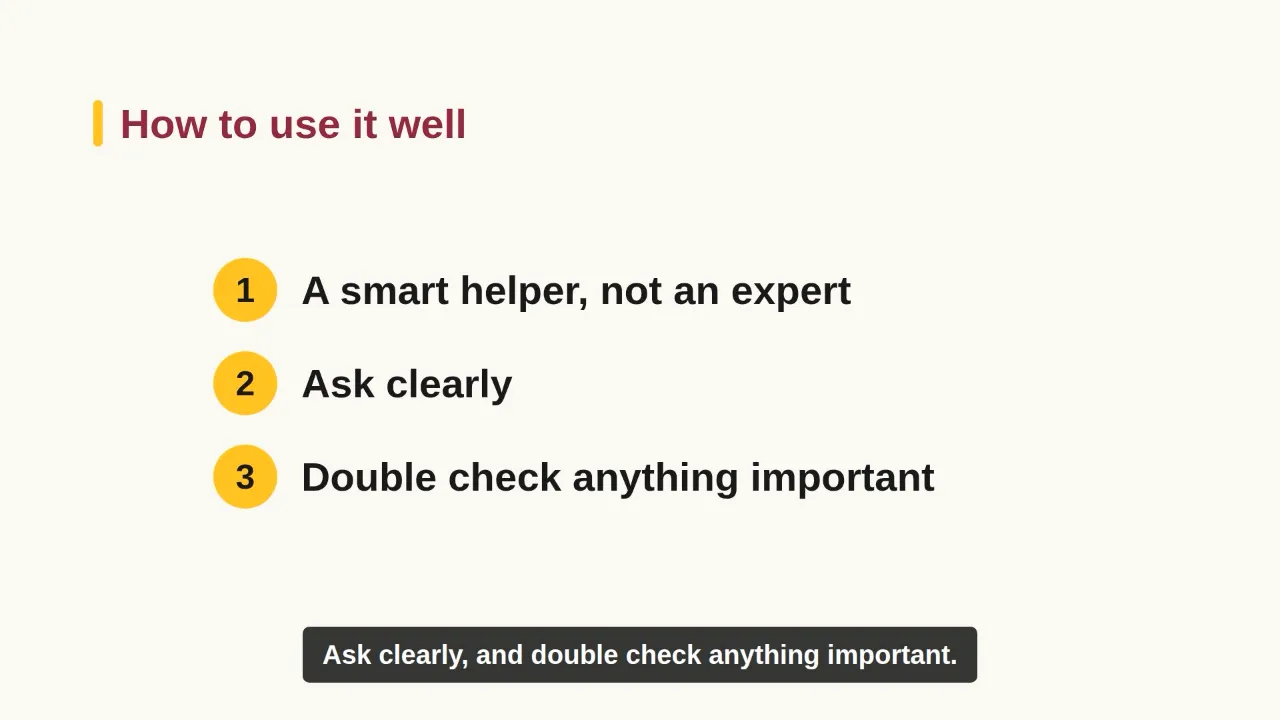
  5. How to use it well: ask clearly, and double-check anything important.
See one directing sessionThree rounds from request to a finished learning video

Herbivores, carnivores, and omnivoresReal session in Codex, Sep 23, 2026 · lightly trimmed, file paths removed

  1. Round 1

    I askedCan you make the visuals more obvious?

    It changedLarger symbols, stronger lines, and a repeated category label.

  2. Round 2

    I askedDon't make SVGs. Generate real cartoon cows, hens, and animals, like this style.

    It changedCartoon-style animals, matched to the reference images.

  3. Round 3

    I askedDon't make a still video with images. Add motion graphics: cool, easy-to-understand animation.

    It changedSmooth camera moves, animated food and habitat labels, spring-in comparisons, a moving category divider.

Result2:051920×1080Narration + captionsVersion 4

It flagged that its automatic transcript checker was down and asked me to listen once for missing words.

Read production notesTwo delivered films written up as worked examples, including what went wrong

AI-X Compass

  • 90 seconds
  • Silent
  • 0 picture files
  • $0

Built from seven colours, one font, and three curves.

Lexi Mentors

  • 74 seconds
  • Narrated
  • Generated footage
  • About $7-12

Batch narration silently dropped three lines; only transcribing the audio back caught it.

The lessonAsk whether you need pictures before you ask which ones.

06 · AI Day, and what I learned

People wanted to try it themselves.

What happened

  • Shown at ASU AI Day, Polytechnic and TempePresented
  • Public-facing version 1.0 on Sep 22, 2026In the team repository
  • More revisions plannedNext

What people said

  • It would make onboarding new team members and organising files easier.
  • Marketing and video-editing staff asked for access to try it.

Reported reactions from the event, not measured results.

"LIVE (Learners Intelligent Video Engineer) helps educators create engaging educational videos through agent-guided workflows."

ASU Learning Engineering Institute, after its second annual AI Day

The AI could already make a video. My job was to make it ask the right questions and keep its promises every time.

Gaurav Basantani
  • A prompt is a request. A conversation with defaults is a product.
  • Write standards as rules the AI can check, not as taste.
  • Test with users who have never seen it, even if those users are agents.

I designed the instructions and skills, not the public website.

Full-size visual

Your move.

Open to Product Designer roles anywhere in the US.

gaurav.inbox29@gmail.com